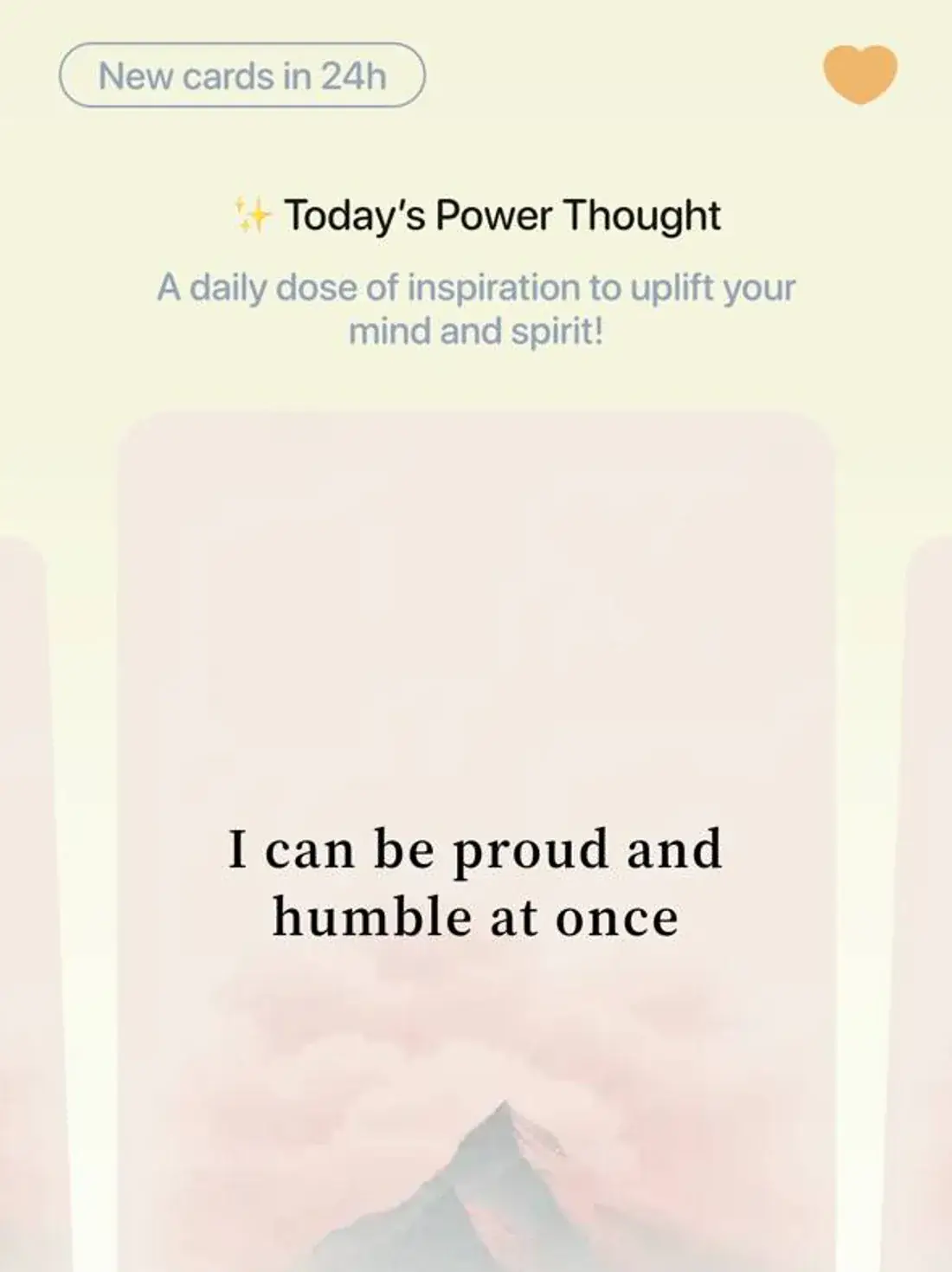
Your reframe cards have looked the same since day one. Every thought, every mood, the same flat background. Functional, sure.
But nothing about a 2am spiral and a Tuesday-afternoon annoyance feels the same — so why should the card?
Now it doesn't have to.
Nine new themes, live now
Muted tones. Quiet mountains. Soft mist. Nine looks in total, so the card can match the moment instead of flattening every moment into the same one.
- Takes ten seconds — open Profile → Card Theme, pick one, done. No setup, nothing to configure.
- Changes nothing underneath — it's still your exact words, reframed three ways, in under a minute.
Why a theme picker and not a streak
A streak would have been the easier thing to build. It also would have added one more thing to keep up — and the last thing an overthinking loop needs is a counter that punishes you for missing a day.
This is the opposite kind of feature. Nothing to maintain, nothing to lose, no number going to zero. It just means the app can look like the moment you're actually in, rather than the same moment every time.
Open Profile → Card Theme and pick the one that fits today.